
beehiiv vs Substack: Which Free Newsletter Platform Wins?
Both tested on the free plan · November 2026
We set up a free newsletter on each platform, published a post and checked where the email landed in Gmail. Both reached the inbox within seconds. Short answer: Substack is the fastest way to start writing, with almost no setup. beehiiv takes a little more work but feels more like your own brand, and its free plan includes a welcome email.
Quick answer
Pick Substack if you want to start writing today, with no setup and no mailing address in your emails.
Pick beehiiv if you want your newsletter to look like your own brand, with a free website and an automatic welcome email.
Side by side, on the free plans
| beehiiv | Substack | |
|---|---|---|
| Where our test email landed | Gmail inbox, within seconds | Gmail inbox, within a minute |
| Sends from | beehiiv's own address, with your handle | yourname@substack.com |
| Starts on a paid-feature trial | No, it starts on free | No, publishing is free |
| How it makes money from you | Paid plans for extra features | A share of your paid subscriptions, if you charge |
| Free website | Included free hosted subscribe page and site | Included free your posts live on a Substack page |
| Automatic welcome email | Included free one welcome email | Not tested |
| Multi-step automations | Paid only you can build them but not switch them on | Not tested |
| Custom domain | Paid only | Not tested |
| Mailing address in your emails | beehiiv's address until you add yours | Substack's address, no personal address needed |
| Branding | "Powered by beehiiv" badges, removal on a higher paid plan | Substack's footer, sign-up prompts and pledge block |
Setting up the same project on both
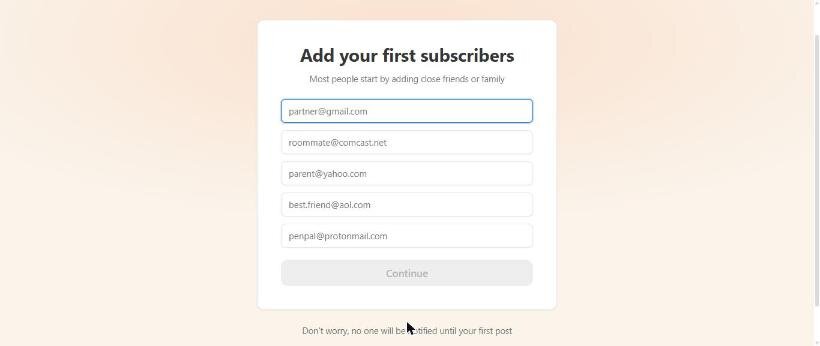
Substack was the quickest start we've seen. It asked for an email, a web address and a few friends to invite, then said we were all set. There were no business questions and no mailing address step. The catch: it named the newsletter, the sender and the profile after the name on our Google account, and readers would have seen it. We renamed all of them before posting.
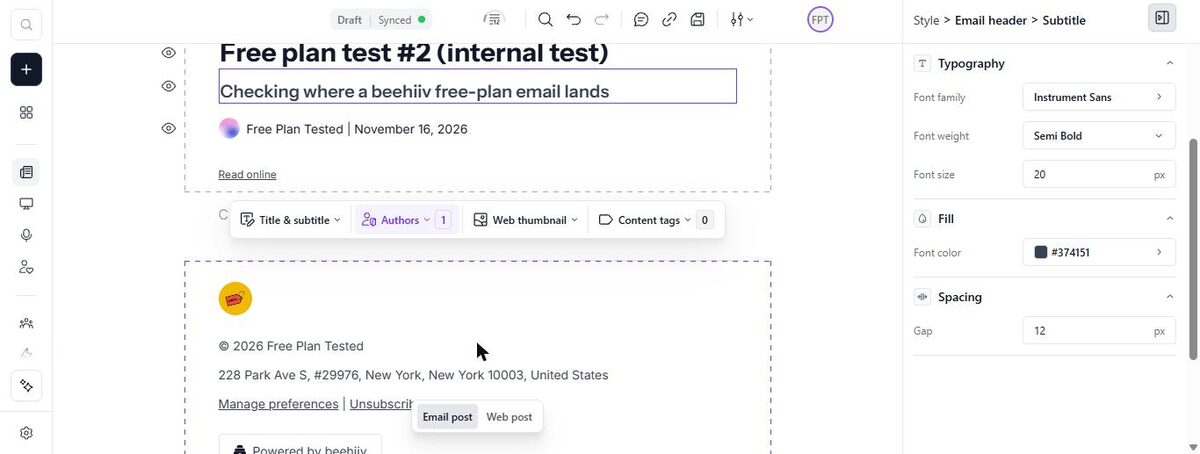
beehiiv started us on the free plan with no trial, and the dashboard showed how close we were to the free subscriber cap. We renamed the publication and added a logo in settings. The post editor walks you through Compose, Audience, Email, Web and Review. The default email footer used beehiiv's own mailing address until we added ours.
Where each one asks for money
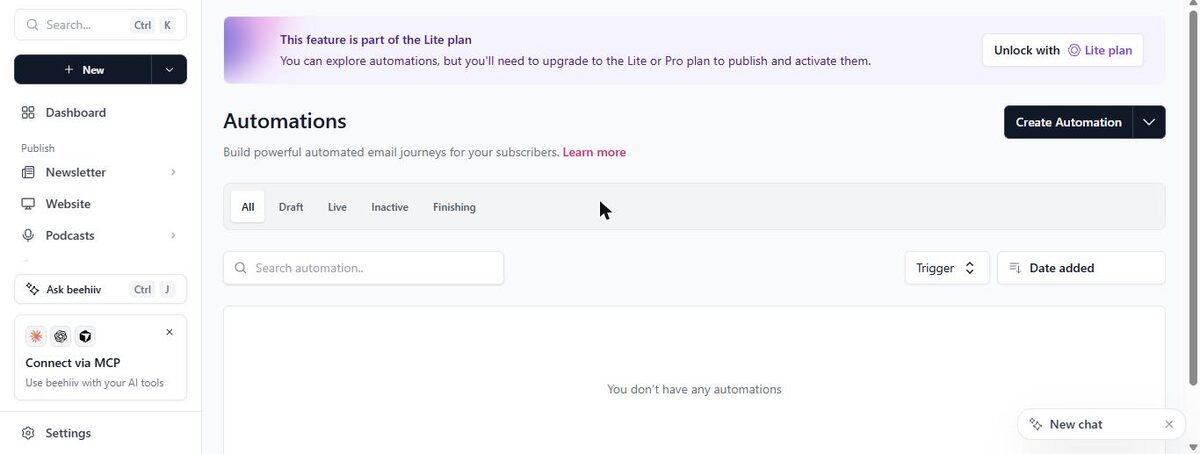
beehiiv sells paid plans. Multi-step automations, custom domains and its ad network all need a paid plan, and removing the "Powered by" badges needs an even higher one. The ad offers show up on your dashboard and in the editor, which can feel pushy.
Substack has no paid plans for writers. Publishing is free, and Substack takes a share of the money only if you turn on paid subscriptions. Check Substack's own page for the current share. The trade-off is control: Substack's branding, prompts and pledge block appear around your posts.
Deliverability: both reached the inbox
beehiiv sent from its own domain using our newsletter's handle, and the post landed in Gmail's inbox within seconds. Its welcome email to a new test subscriber also reached the inbox. Substack sent from a substack.com address, and both the author copy and our test subscriber's copy landed in the inbox within a minute.
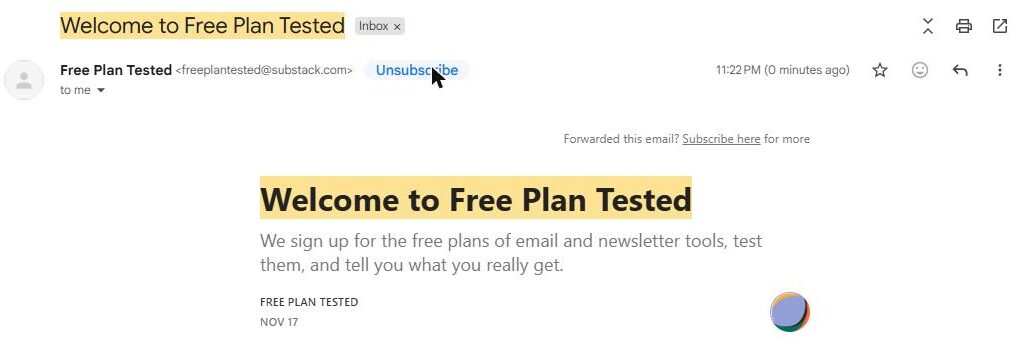
Both sit on the inbox side of our spam test.
Which one fits your situation?
You're a writer who just wants to publish. Substack. Setup takes minutes, there's no mailing address to add, and posts go to the web and to inboxes in one click.
You're building a brand or a business newsletter. beehiiv. Your newsletter looks like yours, you get a free website and an automatic welcome email, and you can grow into paid features later.
You plan to charge readers. Both can work. Substack costs nothing up front but takes a share of what you earn. beehiiv's money-making features sit on its paid plans. Compare both pricing pages before you decide.
Watch out on either: Substack's confirmation step for new sign-ups was off by default, and so was beehiiv's double opt-in. Turn them on if you want a cleaner list.
Our pick
For writers: Substack. Nothing gets you publishing faster. Rename everything Google filled in before your first post. Read our Substack review.
For brands and businesses: beehiiv. More setup, but a newsletter that's yours, with a welcome email on the free plan. Read our beehiiv review, or line them up in our compare tool.